Knowledge Base
Log In to a Customer Account
You may need to 'login as' your customer to view their members area for several reasons. Within the customers member account you can:
- View their domain names & products as they would.
- View & download invoices issued from your business to your customer.
- Specific email notifications just for this customer.
- Purchase or renew domain names and products on the customers behalf.
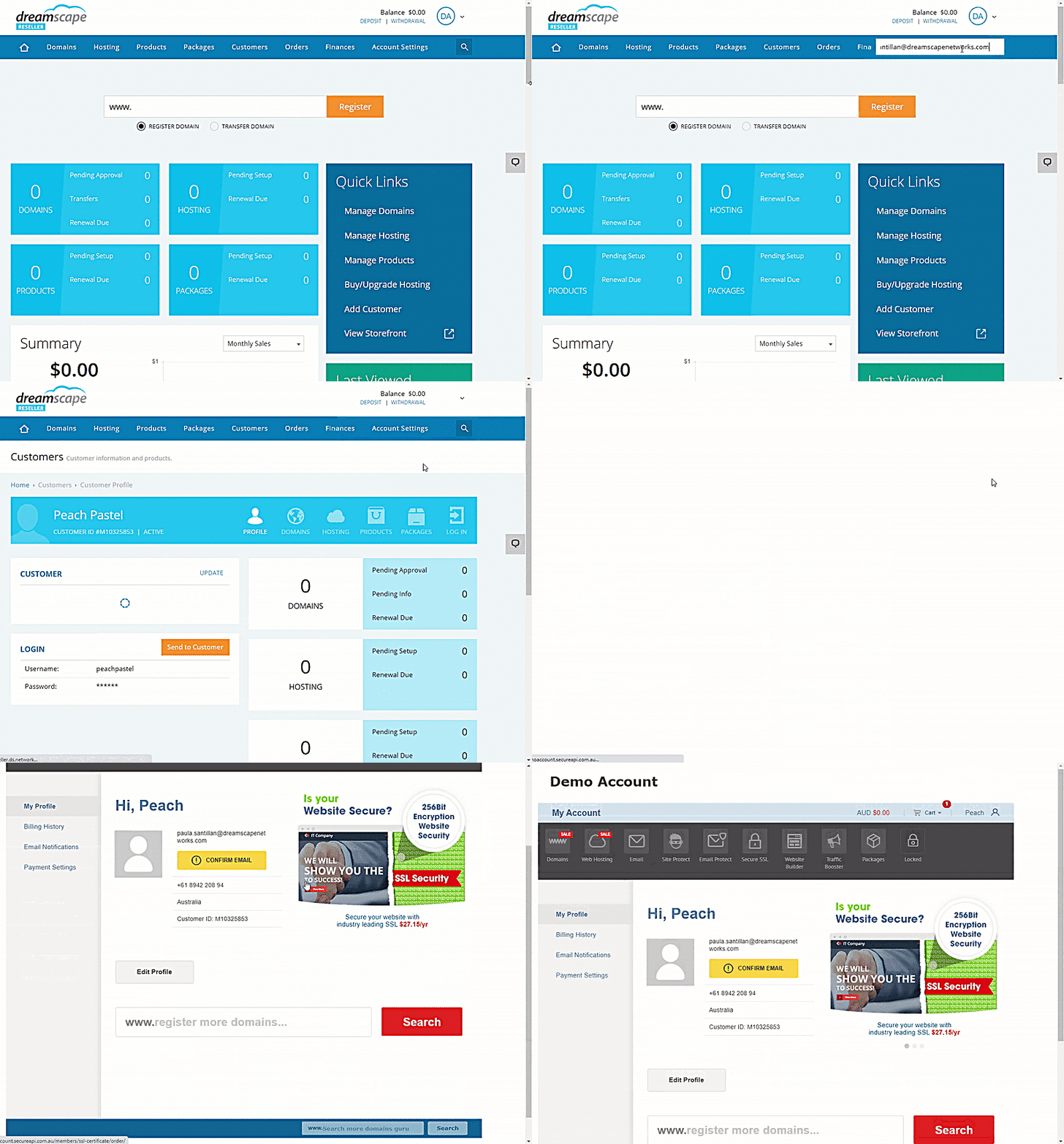
To login to a customers account:
- Log in to the Reseller's Console.
- Search for the customer's account.
- Click the Log In icon top right of the customers menu bar.
Did you find this article helpful?